Progress
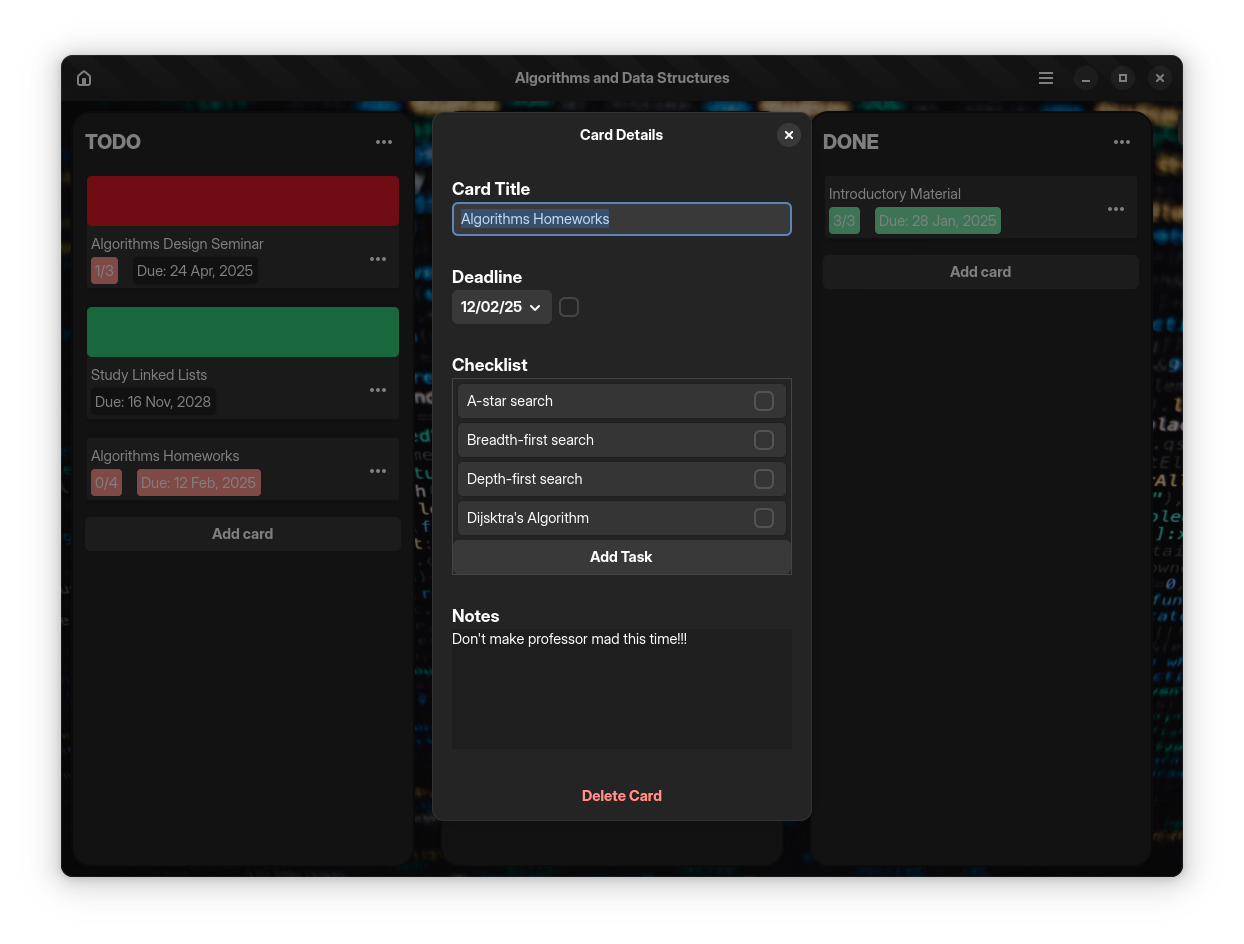
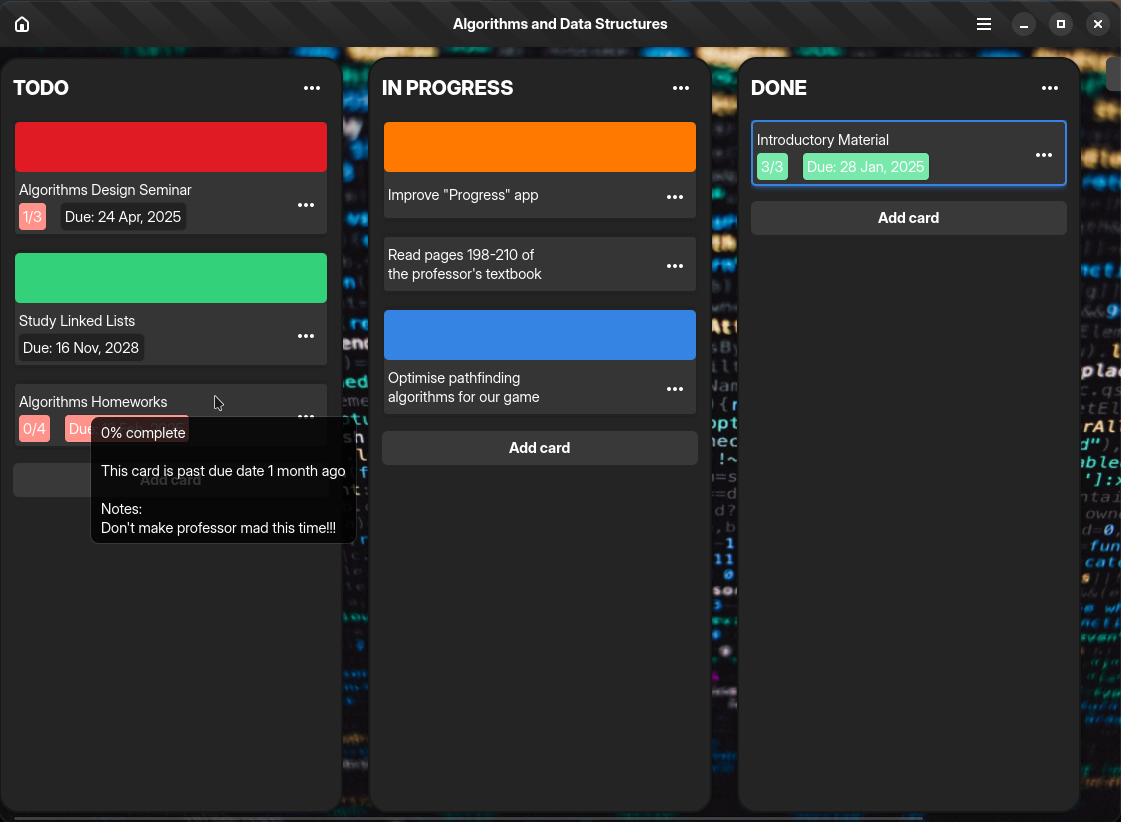
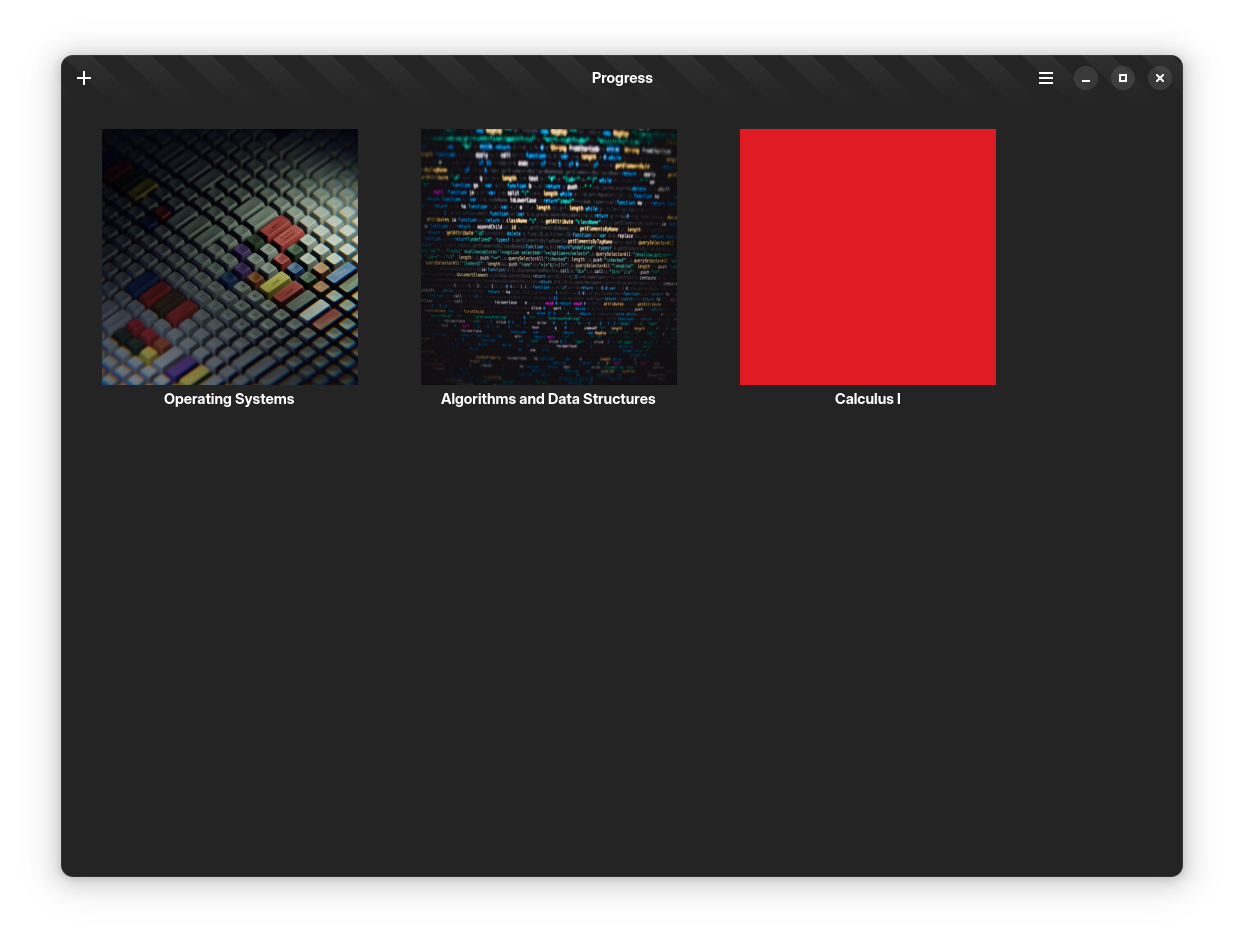
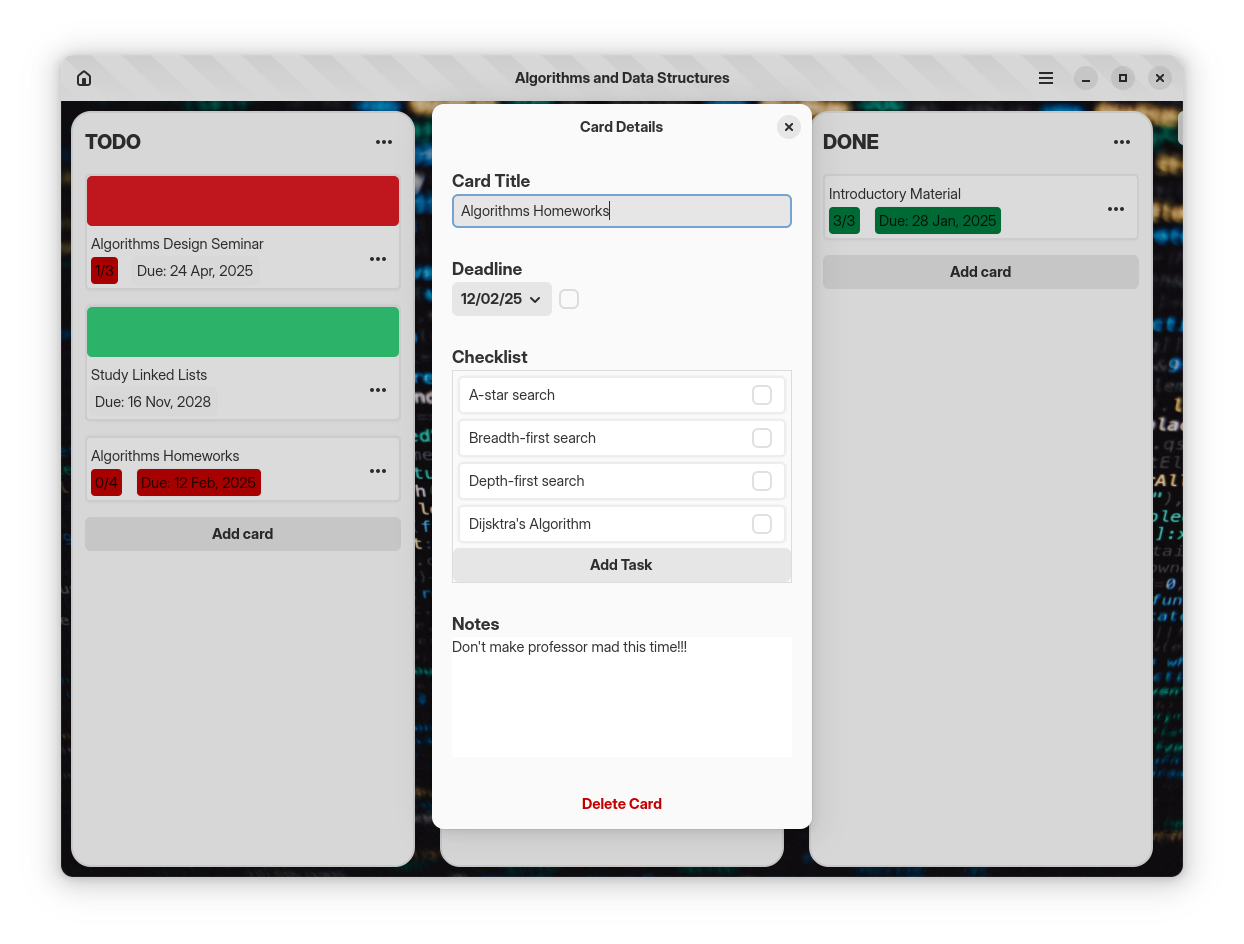
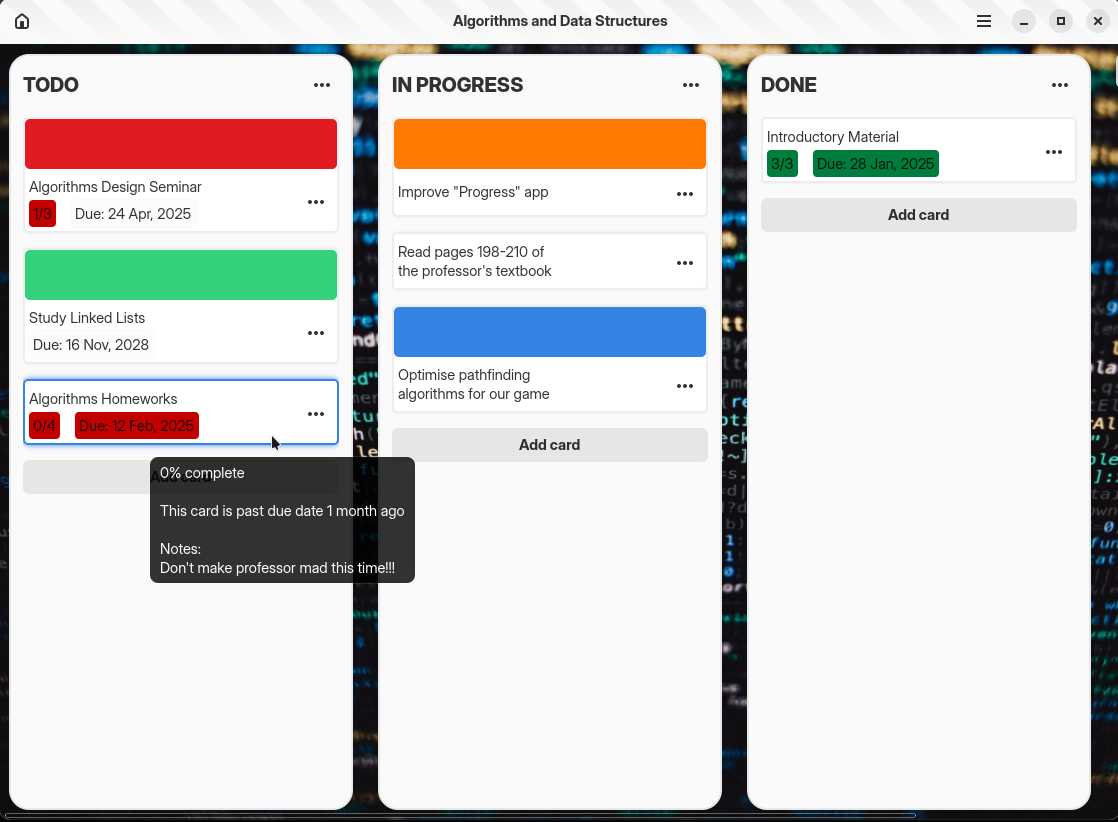
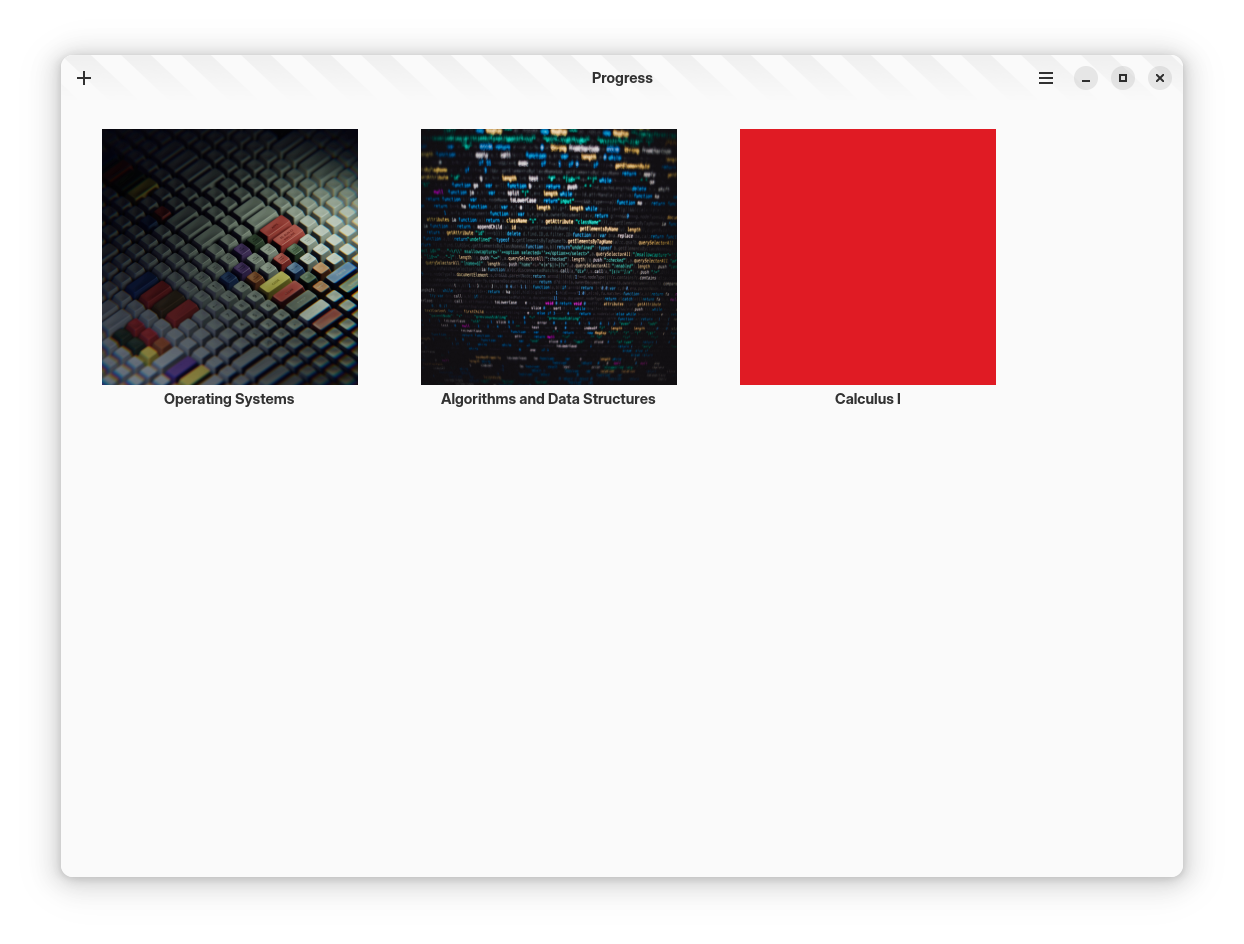
Discover Progress, a lightweight Linux Kanban board application designed to streamline your task management and personal goals with absolute simplicity.
The Progress Kanban board application offers a clean, distraction-free environment designed specifically for Linux users who want to visualize their daily workflows without the bloat of enterprise project management suites.
A Practical Approach to Visual Task Management
Many modern productivity suites overwhelm users with endless configurations, notifications, and complex setups. Developed by Gabriel de Moura, the Progress Kanban board application takes a refreshing, minimalist route. It translates the classic physical card-and-column system into a native desktop experience, allowing you to drag, drop, and organize your priorities in real time.
Who is this Kanban tool for?
- Software Developers: Easily track your coding sprints, bug fixes, and feature deployments.
- Project Managers: Maintain a clear, high-level overview of active deliverables and milestones.
- Individuals: Organize personal goals, daily routines, or side projects in an intuitive interface.
Core Features for Everyday Productivity
This software focuses on the core mechanics of visual planning. By limiting unnecessary distractions, it helps you maintain a state of flow as you transition tasks from inception to completion:
- Visual Column Flow: Structure your work into custom stages like To-Do, In Progress, and Completed to see exactly where bottlenecks occur.
- Effortless Card Management: Quickly create task cards, add essential details, and move them across the board as your work evolves.
- Native Linux Integration: Built specifically to align with the Linux ecosystem, ensuring fast startup times and low resource consumption.
Streamlining Your Workflow
Using the Progress Kanban board application is remarkably straightforward. You start by defining the phases of your project. As new ideas or requirements emerge, you drop them into your backlog. As you begin working, moving those cards across the screen provides a satisfying, tactile sense of momentum. This visual feedback loop is incredibly effective at reducing cognitive load and keeping your daily agenda clear.
If you are looking for a straightforward, local task manager that respects your system resources, this app is an excellent candidate. You can explore the application further and review installation details on the official Flathub store page.